
One System for Motion and Design
Set the brand once. Generate the image, drive the motion,
score it, and export every format.
Free to start · credits from $5 · AI imaging, physics motion and sound · PNG, video and standalone HTML
Opening to new teams in waves · AI imaging, physics motion and sound · PNG, video and standalone HTML
New to Wildfield: the guide that walks through every mode one step at a time. Learn how it works
Set the brand once.
Stay on brand forever.
A design system is the source of truth for a client. Define the palette, the type and the logo, and every scene, every format and every AI generation inherits it. Creative scales without ever drifting off brand.
- Named colour palette. Primary, Secondary, Dark and Light, applied per scene.
- Six font roles. Headline, body, H1 to H3 and CTA, with weight, transform and letter-spacing.
- Logo and CTA styling. Nine logo positions, scale, button radius, alignment and casing.
- Multi-tenant access. Assign systems to users, so teammates only see their own brands.

Four sample brands. Pick one and watch the same scene re-render in its system: palette, type, mark and CTA.
Move like you
mean it.
One scene. Every format. Zero drift.
Shop the kitA full imaging pipeline, on the canvas.
Generate, extend, upscale, retouch and vectorise without ever leaving the canvas. Art-directed with camera, lens, lighting and mood.
Text to image
Describe it, direct it, and pick the model that suits the shot.
Extend edges
Expand any image to fill a new format, on any side, seamlessly.
Upscale and sharpen
Aura-SR, creative and clarity upscalers push to print-grade detail.
Erase and inpaint
Brush out distractions or paint in new elements in Imaging mode.
Five models, every one verified live
Switch model per generation: fast drafts, hero shots, typographic layouts or a transparent PNG. Every generation shows its cost before you spend it.
AI vectors and SVG illustration
Need a clean icon, badge or shape instead of a photo? Generate crisp, infinitely scalable SVG illustrations with Recraft, then drop them straight onto the canvas as editable layers.
Characters that stay themselves
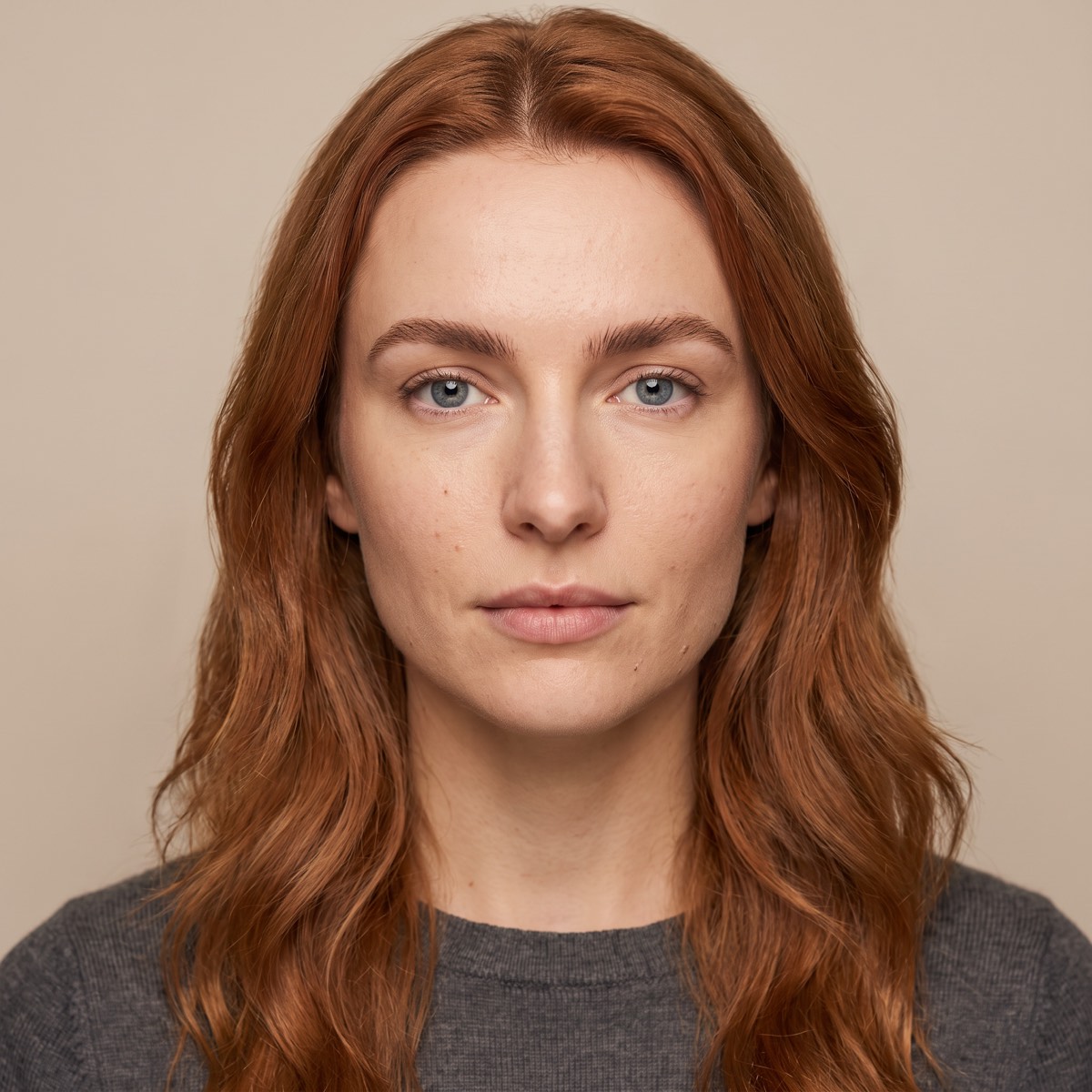
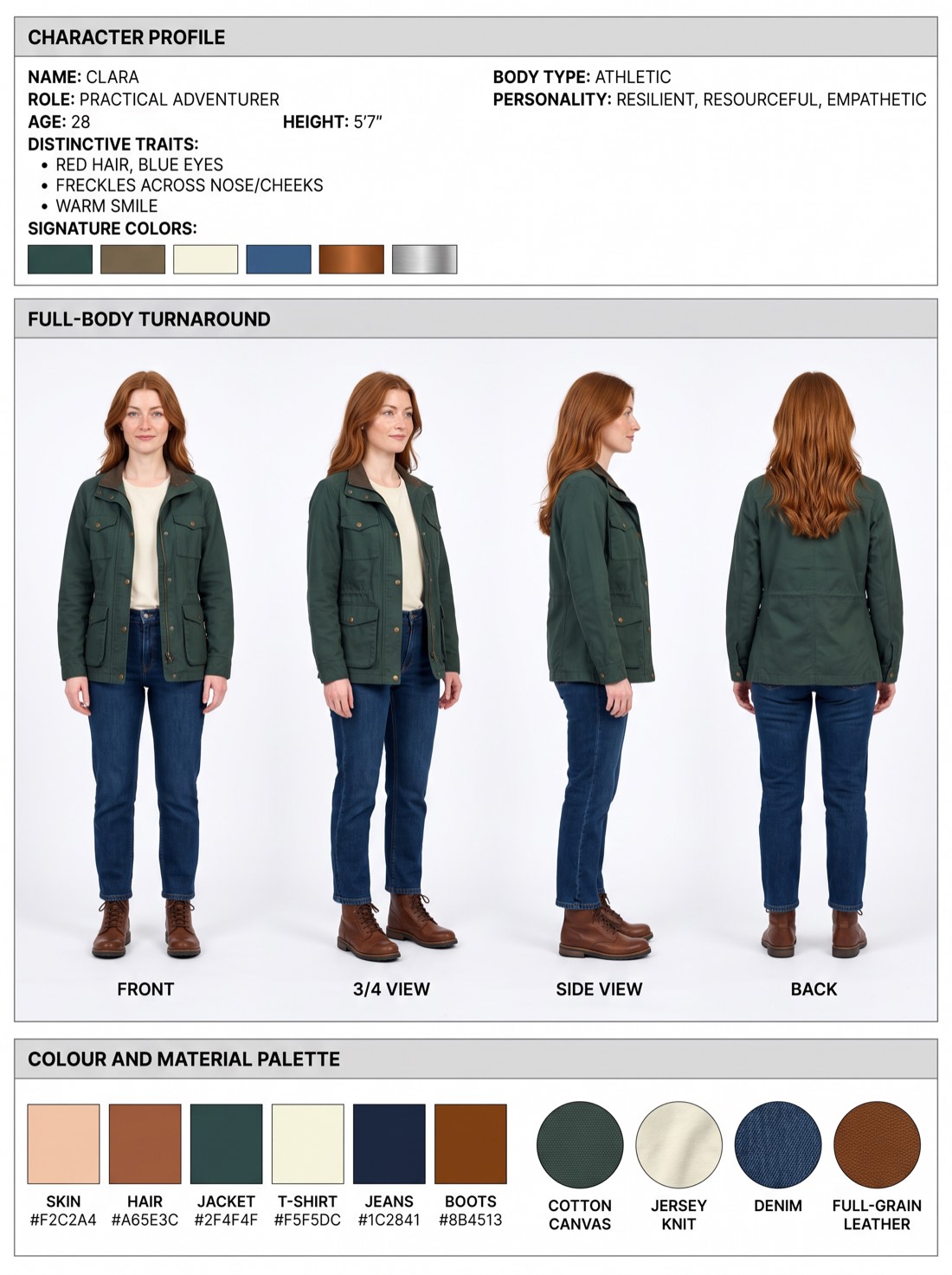
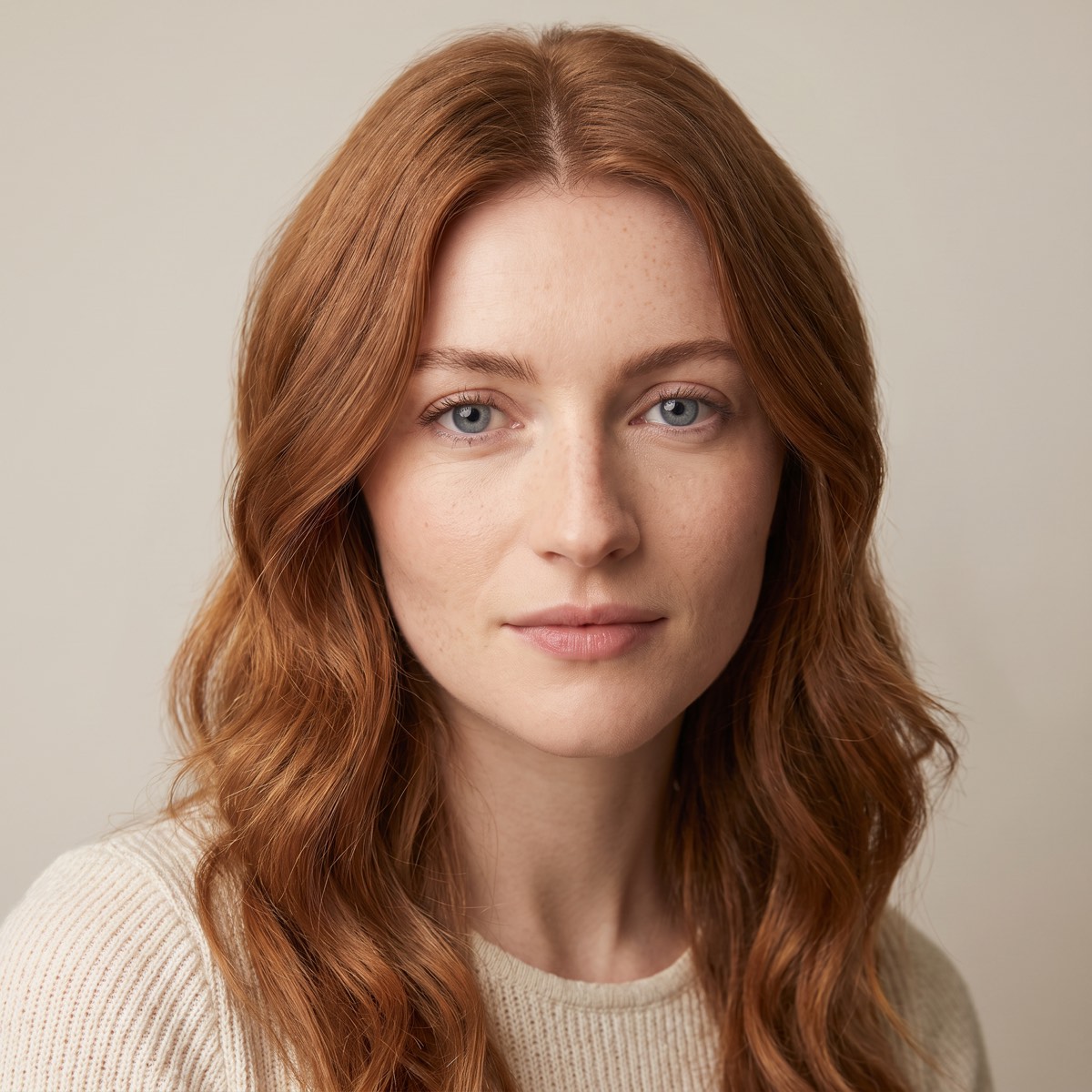
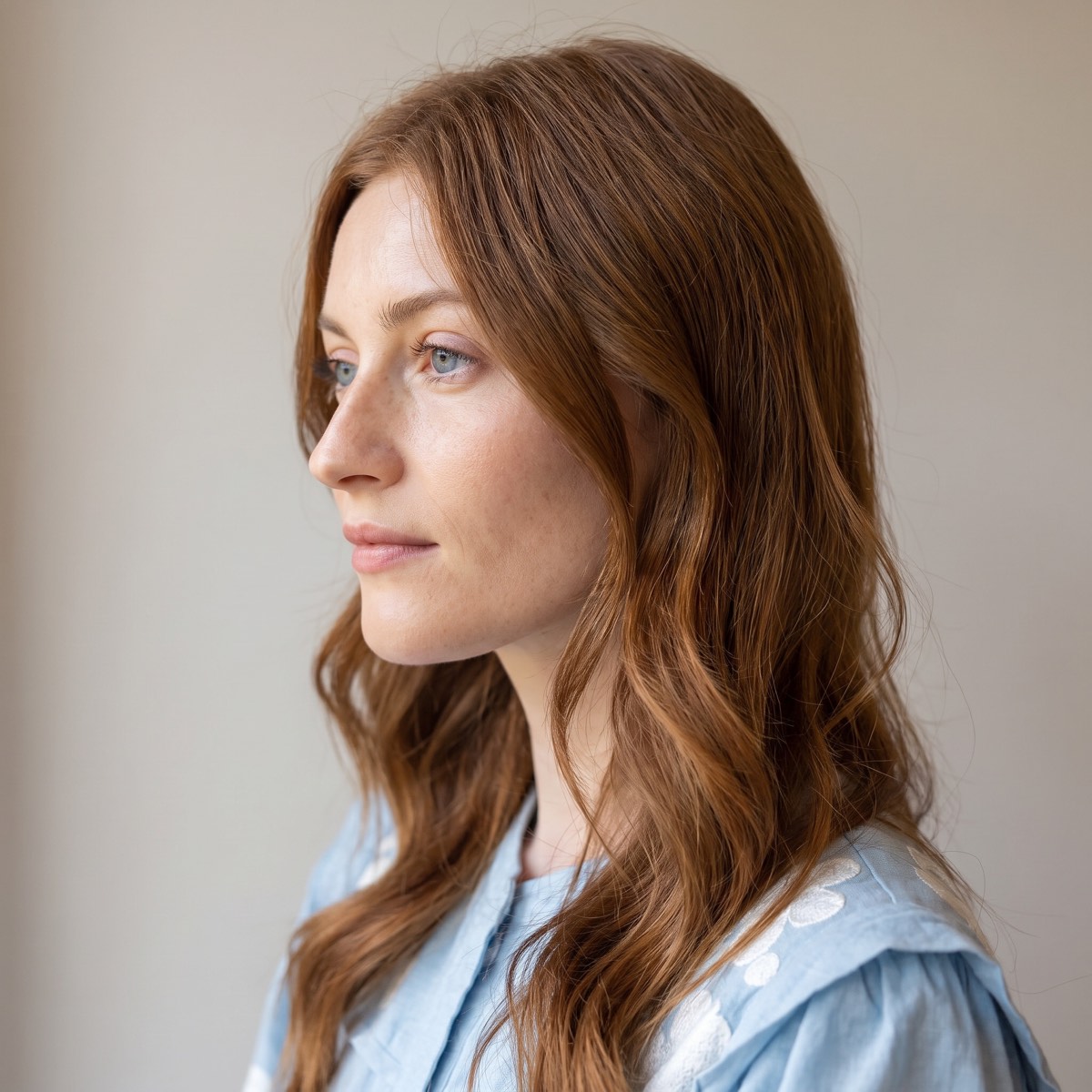
Save a person once, from a few photos or a line of description. Wildfield draws their portrait and two character sheets, face and outfit in every view, then casts them in any image you generate: the same face and the same outfit in every scene and every format.
- Build. Drop in photos of the person and anything they wear or carry, or describe someone new.
- Keep. Characters live on the design system, so every project for that brand shares the same cast.
- Cast. Pick one or more by name when you generate, and they appear in the scene as themselves.
Forces write the motion.
No keyframes.
Wind, swirl, orbit, wave, spring and the rest of the force set drive every copy of a layer. Recipes mix those forces into a finish you can preview 1:1 with the render: a hex lattice that ripples, type that locks to a grid, a sunflower that blooms, a knot that travels, a flag that waves.
- Force fields. Wind, turbulence, gravity, swirl, orbit, wave, float and spring, mixed per layer.
- Recipes. Motion out of the box: hex lattices, type lockups, phyllotaxis blooms, Lissajous knots, flag waves. Previewed live in brand colour.
- Draw and mask. Draw-on lines, spirals and ribbons, plus vector masks that clip any layer.
- Points and tracking. Record a path with your mouse, or track a face, hand, body, spot or object in your footage. Anything follows it. See it
- Data driven. Bind live values to counters, waveforms and connected charts, then loop it perfectly.
- Background video. A project-level video track runs under the whole timeline, so cuts stay clean in preview and in the cloud render.
Move one point. Everything follows.
A flexible point system for motion graphics. Draw a path with your mouse while the scene plays, or let Wildfield track a face, a hand, a body, a spot or an object in your footage. Particles, text, shapes and media follow that point, frame for frame, in every format.
- Draw it. Record the path live with your mouse. Loop for more takes, punch in to redo one span, then edit the knots.
- Track it. A face, a hand or a body, a spot you click or an object you box (objects on desktop). Tracking runs in your browser, so your footage never leaves your computer.
- Follow it. Particles part, trail or stream from the point. Text, shapes and media ride it through trims, moves and every format.
Type the values.
Watch them animate.
Drop a token into any vector text layer and it animates live over the scene: a number that counts, words that cycle, a random digit that stays put. No keyframes, and it carries straight across linked scenes.
{0-100} a number counts up or down{Save, Shop, Win} words take turns{Save:2, Shop:1} a word can stay longer{day:Mon,Tue} the same cycle, named{random} a stable digit, 1 to 9{rand:10-99} a stable number in a range{pick:A, B} a stable word{type:SALE} types on{scramble:LAUNCH} decodes into the word{time:0:30-0:00} a clock counts{bar:0-10} a block bar fills{date:1-31} whole numbers, like a date{dogs,cats:s0.5} staggers the change{WORLD:s0.4} letters fade on, one after another{0-100:d0.5} waits, then startsDrag the track in.
Cut to the beat.
Drop audio onto the canvas and Wildfield drops you into Sound mode. See the waveform, crop and preview the section you want, set a threshold, then analyse the transients. Wildfield generates scenes that land on the beats, and you can nudge any of them.
- Drag to sound. Drop a clip on the canvas and the waveform editor opens.
- Crop and preview. Trim left and right, hear it, then commit.
- Transient auto-scenes. Analyse the beats and generate scenes you can move.
- Voice-over track. Add narration and mix it with your music.
Do not bring a track at all.
Play the field.
Animate a layer and it can score itself. Particle Sound turns the moving particles into sound: each one has its own whoosh, speed opens it up and width sets where it sits in the stereo field. Press Play and drag through the field. It is the shipped engine running in your browser, not a recording.
sound starts when you press Play
Particle synth
Each particle carries its own voice, and the gesture shapes it.
Granular
Generate a sound, then let the particles play it as grains.
Resonate
A tuned delay the swarm moves, more like a struck object than an echo.
Frame the feed. Keep the take.
A live feed sits over or behind the ad while you design: a YouTube video or a web page. Live Frame then captures what is inside the format, as a still or as a moving shot, into the Library and onto the scene.
Frame animation
Launch Frame, set a start and an end, and Animate moves the frame across the feed for the length of the scene. REC records that move. SNAP saves a still at the format size. With Autolayer on, the take lands on the scene.
YouTube or a web page
Paste a YouTube link and press Play, or paste an https page and press Show. The feed can sit over or behind the ad. The feed itself is never exported. What you capture with Live Frame is what ends up in the render.
Export the work in every format.
Static, motion or hand-off. Wildfield renders server-side for pixel-perfect, repeatable output at any scale.
High-res PNG
Server-rendered screenshots at full format resolution.
Cloud video (MP4)
Sequence scenes into a motion piece and render MP4 in the cloud through a distributed HyperFrames Lambda pipeline, with audio.
Standalone HTML
One HTML file per scene, with images, video and fonts packed in, that plays offline in any browser.
An API and MCP server for agents.
Every action in the studio is an endpoint. Drive Wildfield from your own tools, your pipelines, or an AI agent, with a single API key.
# Generate an on-brand AI image
curl -X POST https://wildfield.io/api/genai/generate \
  -H "X-API-Key: adk_•••••••" \
  -H "Content-Type: application/json" \
  -d '{
    "prompt": "luxury watch on marble, studio light",
    "model": "gpt-image-2",
    "width": 1080, "height": 1080
  }'
# { "ok": true, "path": "https://...blob/img.png" }
curl -X POST https://wildfield.io/api/projects/save \
  -H "X-API-Key: adk_•••••••" \
  -d '{ "filename": "june-piece",
        "project": { "version": 2,
          "designSystemId": "acme",
          "activeFormat": "square",
          "scenes": [ ... ] } }'
57 MCP tools, ready for an agent
Hand a brief to Claude, Cursor or Grok. The agent sets up the design system, the scenes, the imagery, the physics and the render. One API key.
Built for motion design and art.
Figma designs interfaces and Canva makes template graphics. Wildfield is a motion design and art tool: type, sound, physics and composition on a brand system. Here is where each one fits.
| Built for | Wildfield | Figma | Canva |
|---|---|---|---|
| Brand enforced on every outputPalette, six font roles and logo rules applied automatically. | Locked design system | Libraries, applied by hand | Brand Kit, template level |
| AI image generation, art-directedText to image with camera, lens, lighting and mood control. | 5 models, directed | Weave AI tools (beta) | One-model Magic Media |
| Recurring charactersA portrait and character sheets, then cast by name in any scene. | Saved on the design system | None | None |
| SVG generationCrisp SVG illustrations dropped on the canvas as editable layers. | Recraft SVG, editable layers | Vectors drawn by hand | Icon and element library |
| Generative and physics motionForce-field particle systems and data-driven formations. | Physics on autopilot | Timeline plus manual easing | Preset element animation |
| Motion tracking and follow pointsTrack a face, hand, body, spot or object, or record a path; anything follows it. | Tracked in your browser | Keyframes by hand | Drag to record a path |
| Sound generated from the motionEach particle played as its own whoosh, plus grains and a resonator. | Particle Sound engine | None | Add an audio track |
| Sound modeSee the waveform, crop it, and generate scenes on the transients. | Scenes on the beat | None | Add an audio track |
| Vector expressionsCount, cycle, type, scramble, clock and bar tokens in a text layer. | Tokens, no keyframes | None | None |
| Live capturesFrame a YouTube video or a web page, then snap or record it into the scene. | Live Frame into the Library | None | None |
| Standalone HTMLOne page per scene, assets packed, plays offline. | Offline HTML | None | None |
| Render animated video (MP4)Sequence scenes and render them server-side. | Cloud MP4, audio-synced | MP4 and GIF export (beta) | Timeline video |
| One build, every formatType and padding adapt per ratio, with safe-zone guides. | Auto-responsive, safe zones | A frame per size, by hand | Magic Resize (Pro) |
| API and MCP for agentsBuild a whole piece programmatically, end to end. | REST plus 57 MCP tools | REST API and MCP server | Connect API (limited) |
Figma Motion is a deep, keyframe-level tool and it is superb at that. Canva is great for fast template graphics. Wildfield runs on the opposite axis: physics-driven motion on autopilot, brand-applied, scored, and rendered to video in every format.
Free to build. Credits for AI.
Building, editing and PNG and HTML export are free on every plan. AI generations and video renders draw from a prepaid credit balance you top up from $5, on any plan including Free. A subscription buys design-system capacity, and drops credits into that same balance every month.
- 1 design system
- Build, lay out, edit and export PNG and standalone HTML
- API and MCP access
- Top up credits any time, from $5
- 5 design systems
- $15 of AI credits each month
- Everything in Starter
AI credits, pay as you go
- AI image generations from 5c, most models 14 to 38c
- Video renders 9c · AI motion 5c · vector logos and icons 93c
- Auto top-up: set your own amount, charged only when you run low
- Credits you buy stay until you use them
Volume and partners
- Volume generation pricing for agencies
- More design systems than Studio carries
- White-glove onboarding for your clients
- Revenue share options available
Prices in AUD and include GST. Plans are per account, billed monthly, and buy design-system capacity only. Every generation shows its cost up front and draws from your credit balance, so you can track every cent in your billing panel.
Compose the next piece in every format.
Set up your brand, generate the visuals, animate it, score it, and export PNG, video and HTML from one project. Or wire the whole thing into your stack with the API.
Wildfield is opening to new teams in waves. Join the waitlist and we will send your invite as soon as there is room.